01
Ready to send
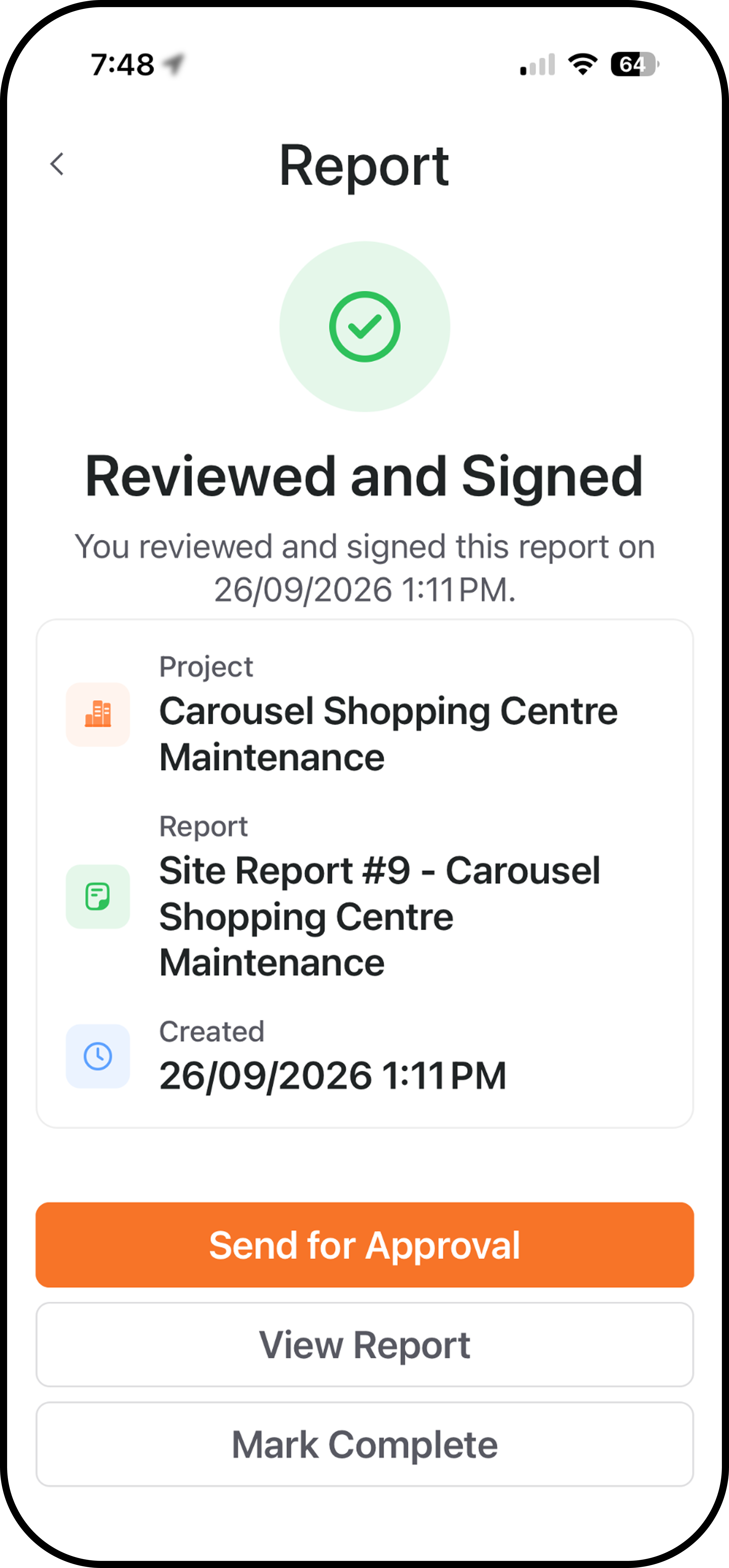
Send your reviewed and signed report for external approval.

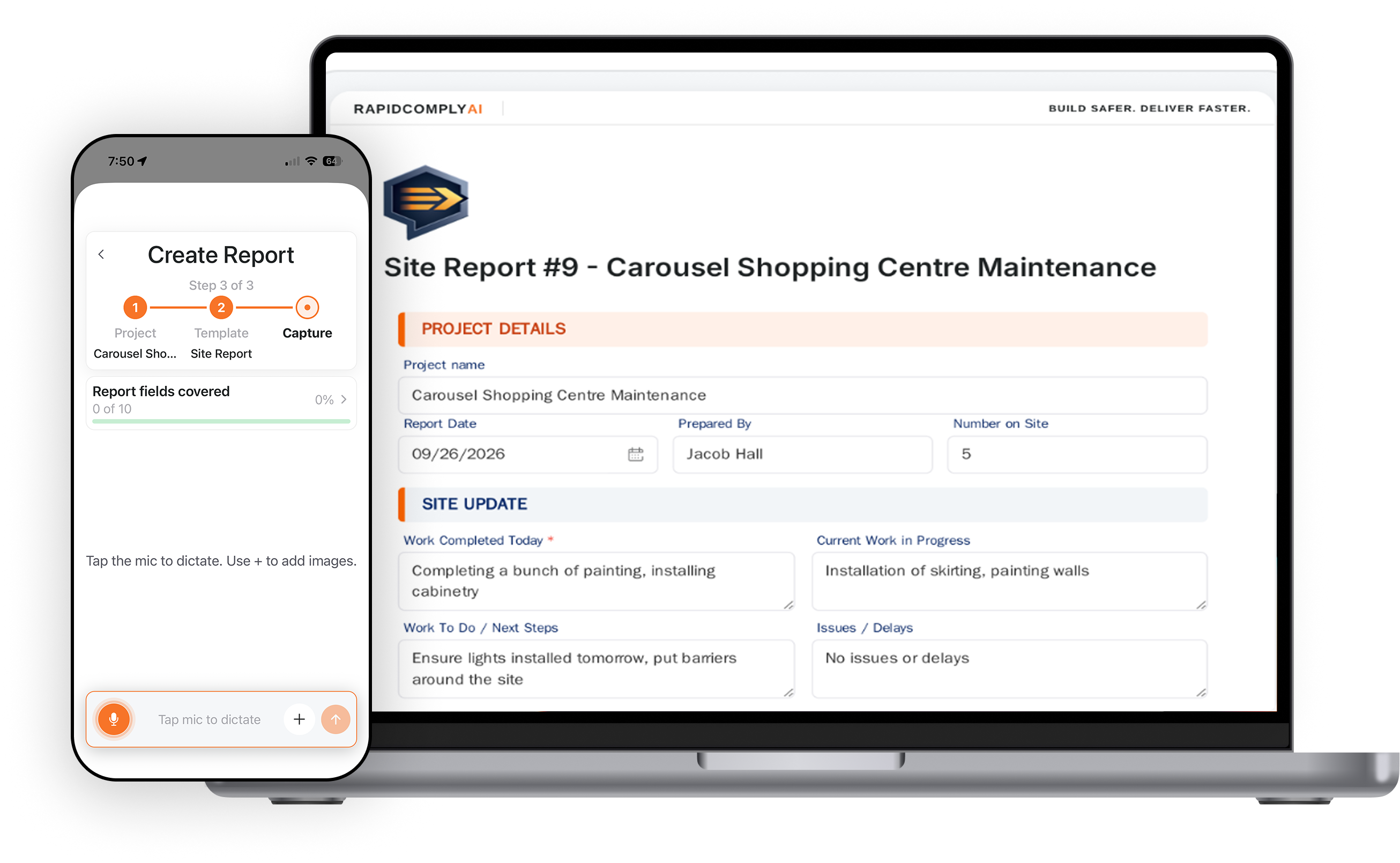
From selecting a template to capturing the job details, RapidComply uses voice, photos and Al assistance to prepare structured documentation for review, acknowledgement, approval and completion. The workflow is designed around how people record work on site, without requiring every detail to be typed into a form.

RapidComply keeps the process moving from the moment the documentation starts through to the completed record.
Email + PDF Report

Reviews Email PDF
Select the job the documentation belongs to.
Choose the report, checklist or safety document you need.
Talk through the work and add photos or supporting evidence from site.
RapidComply organises the information into the template using AI assistance.
Check the report and make any changes required.
Confirm the record and send it for external approval where needed.
Finalise the report and keep it accessible through RapidComply.

Keep the work connected to the right job, then select the template you need.
Downtown Commercial Tower Refurb
450 Financial District, Chicago, IL
Full exterior facade inspection and structural documentation.
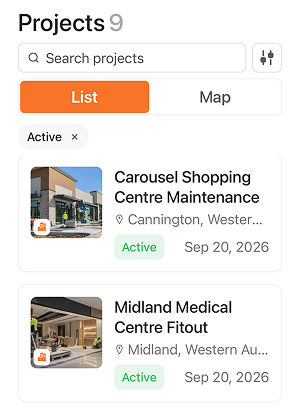
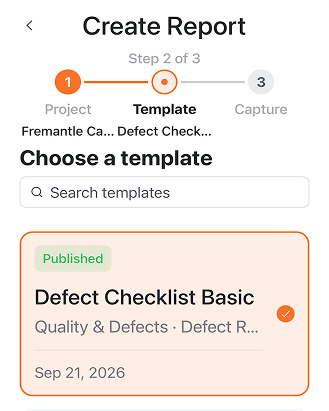
Choose a template from the RapidComply library, use one your business has customised, or create your own. Your team gets a consistent structure to work from while still having the flexibility to document the way your business needs.
That means your SWMS, hazard reports, incidents, near misses, inspections, pre-starts and other documentation remain connected to the work rather than disappearing across inboxes, devices and folders.
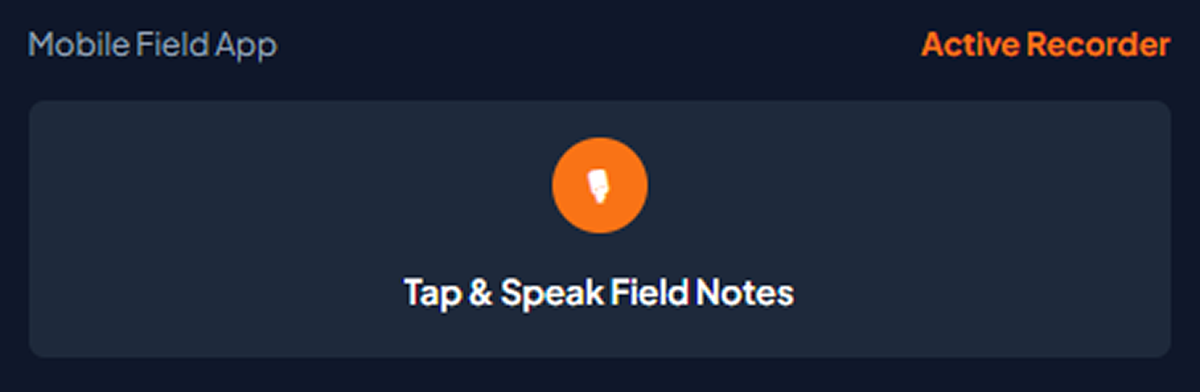
Workers can access the projects and templates they need to complete their own documentation.
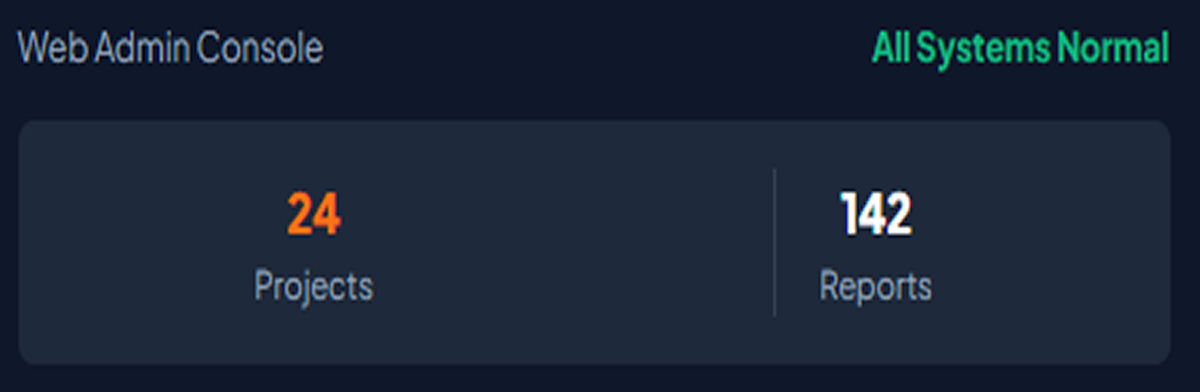
Supervisors and administrators have broader visibility across reports and submissions produced by the team.
Start with a RapidComply template.
Copy and customise an existing template.
Create your own from scratch.
Select the report, checklist or safety document you need for the project. Use a RapidComply template, clone and customise one, or build your own.





Use a RapidComply template, clone and customise one, or build your own.
Instead of typing every field manually, speak through the work in your own words.
Capture the hazards, controls, observations and other information the report requires while the details are still in front of you.
Add photos and supporting evidence where needed.
Talk through what’s happening in your own words. Add photos and supporting evidence while the details are still in front of you.



Speak in your own words, check what needs attention and confirm the record when you’re satisfied.
Send your reviewed and signed report for external approval.
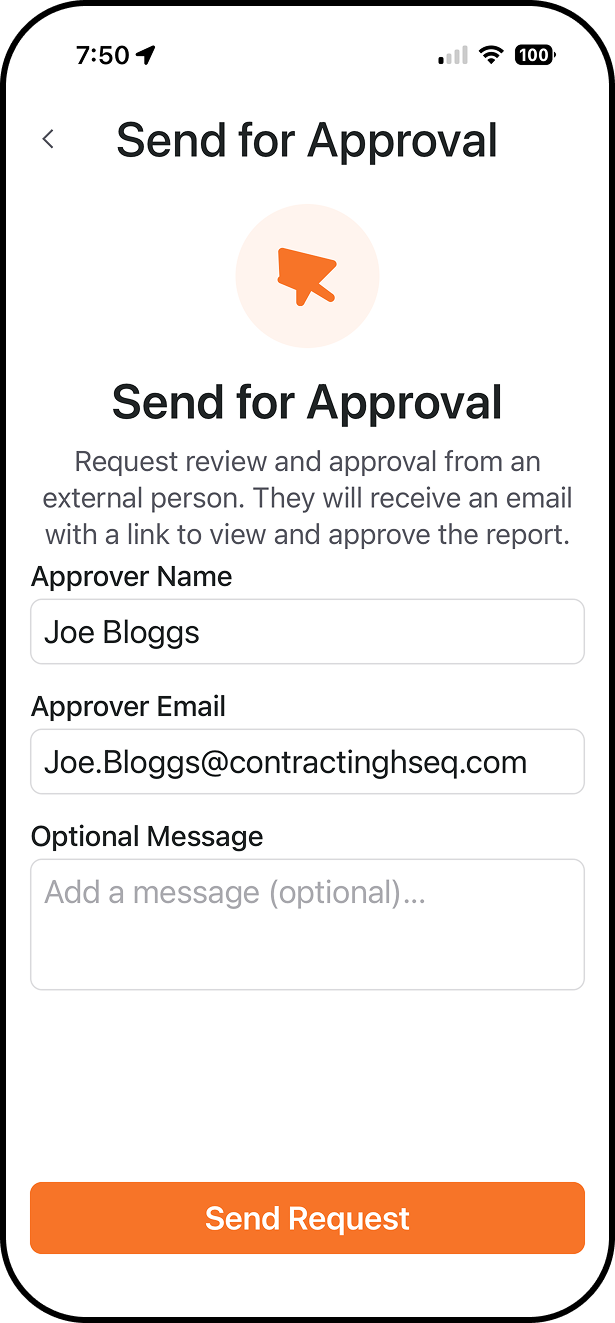
Enter their details and add an optional message.
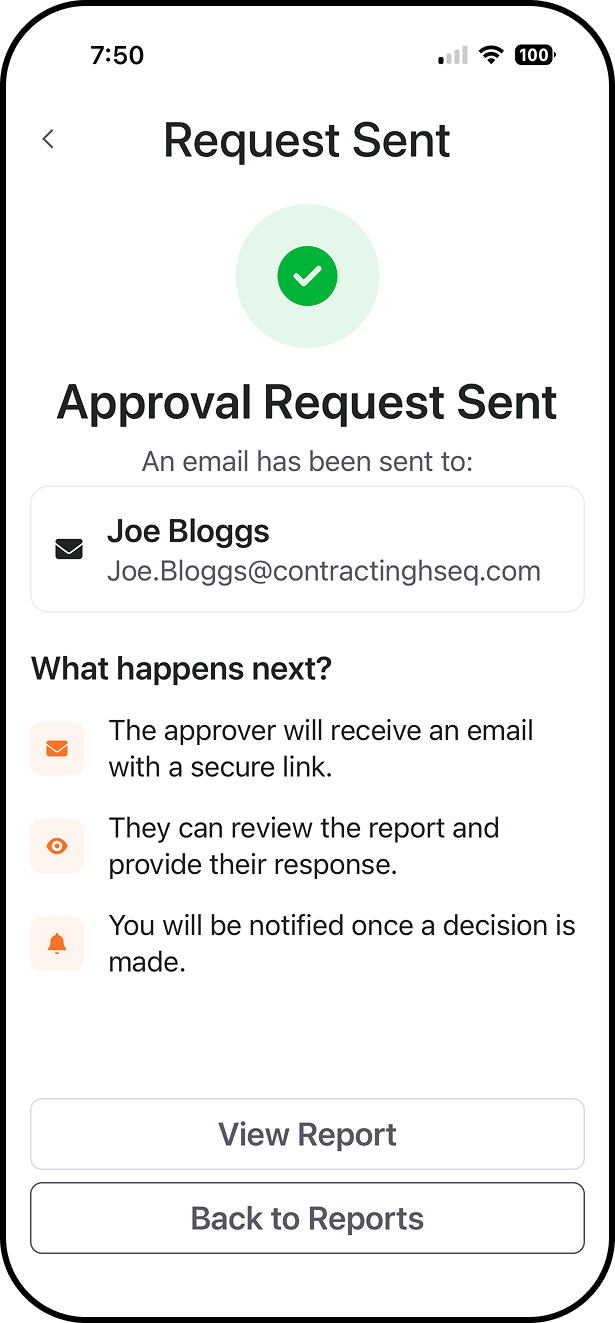
They receive the report as a PDF and reply by email. RapidComply detects their response and notifies you.

No new login.
No separate approval portal.
No new login. No separate approval portal.
RapidComply uses AI assistance to structure the information you provide around the template you’re completing.
You review the result, edit anything that needs changing, and decide what moves forward.
Structures the information.
Check and edit the report.
Confirm the record before it moves forward.
When external approval is required, send the PDF directly from RapidComply.
Your client, builder or principal contractor receives it by email and can reply with approval or requested changes.
No new login. No separate approval portal.
Email + PDF Report
Reviews Email PDF
PDF sent directly from RapidComply.
The recipient reviews the document by email.
They approve, or reply with requested changes.
Check the structured report, make any changes you need, and acknowledge it when you’re satisfied with the record.
Email + PDF Report
Reviews Email PDF
Check the structured report and make any edits.
Acknowledge it when you’re satisfied with the record.
Send it for external approval where required.
Send the PDF directly from RapidComply to any email address. The recipient can approve it or reply with requested changes. RapidComply links that feedback back to the report so amendments can be made, re-acknowledged and resent.
No new login. No separate approval portal.
Send
External Review
Approved
Changes Requested
Author Reviews
Update
Re-acknowledge
Resend
If the reviewer requests changes, RapidComply connects that response back to the report.
The author reviews the feedback and decides what needs to change.
Make the update, acknowledge the revised report, and continue the approval workflow.
Every report stays connected to the right project, organised and easy to find.
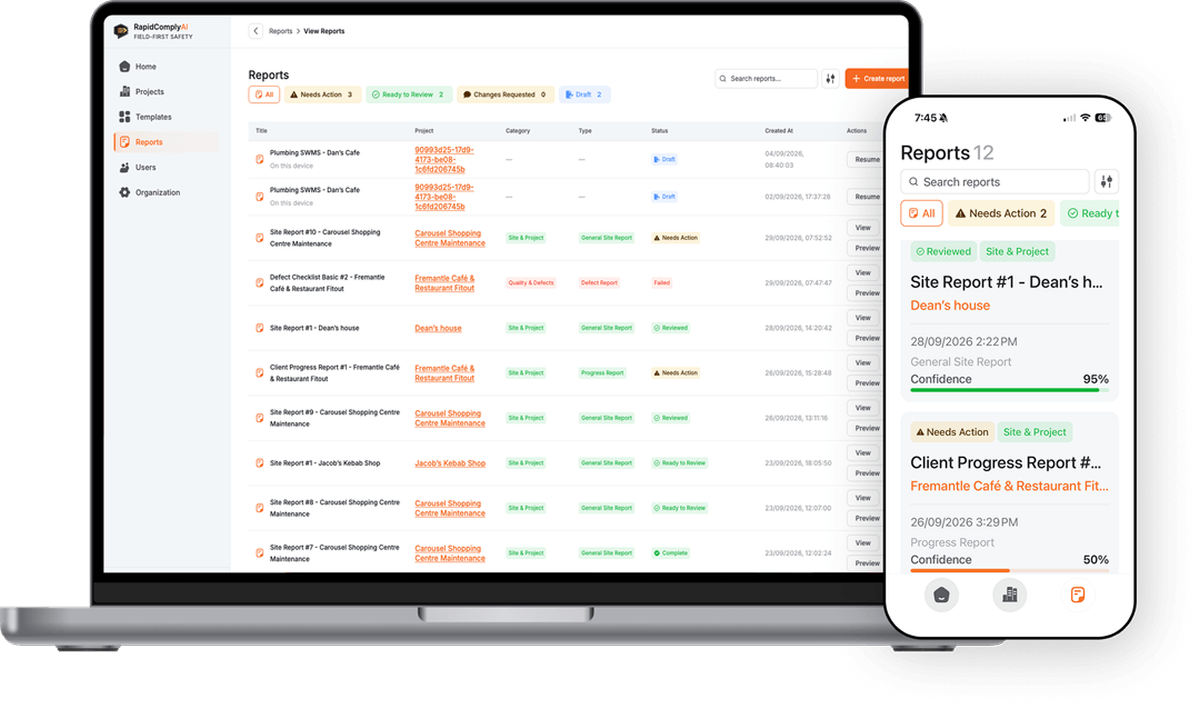
Complete the report and it stays connected to the project it belongs to. Ready to find when your team needs it.”
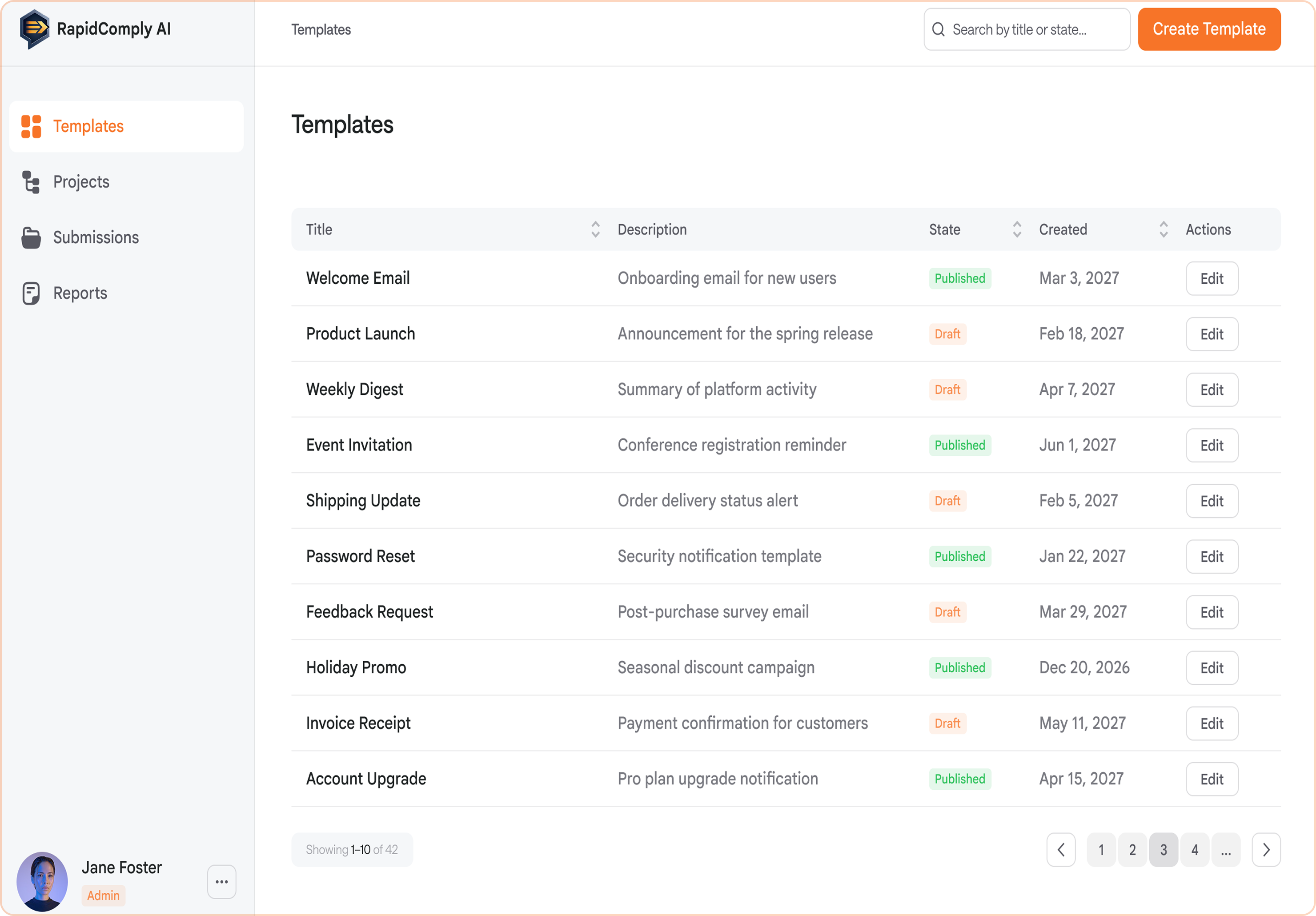
A simpler experience for the crew. Broader visibility for the people responsible for the work.

Get the documentation done.


See the bigger picture.
Less typing. Less double handling. Less chasing paperwork.
Capture it on site, review the structured report and move on.

Capture the information while you’re there.

RapidComply turns what you provide into the report.

Review it, send it where needed, and get on with the job.
Turn what’s happening on site into structured, review-ready documentation without the paperwork grind.
Speak it. Capture it. Get it done.


